
Download 10+ working best Violence District Scripts for PC and Mobile. Updated regularly with the latest free scripts.
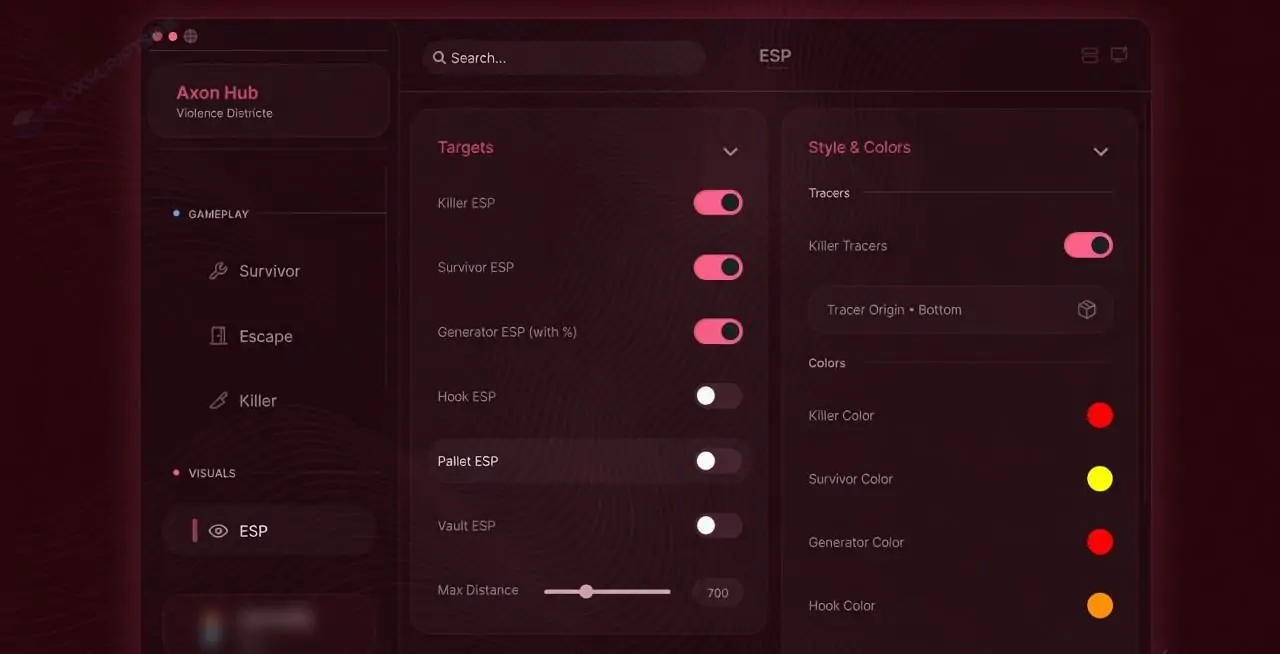
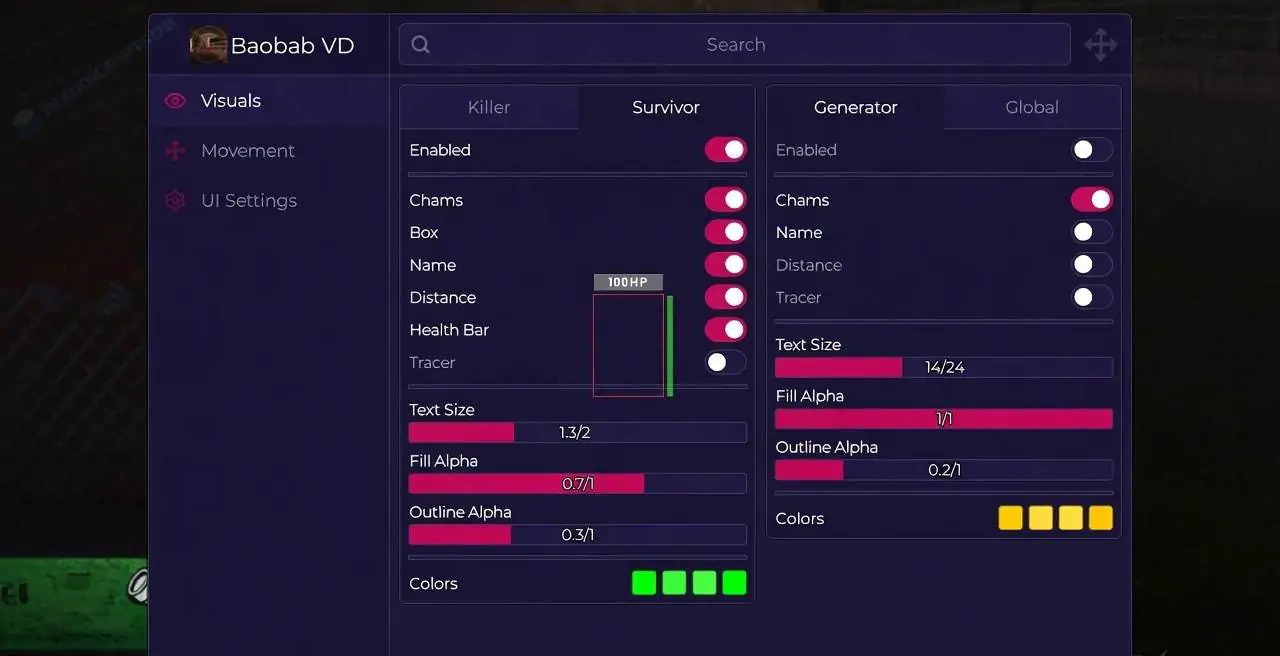
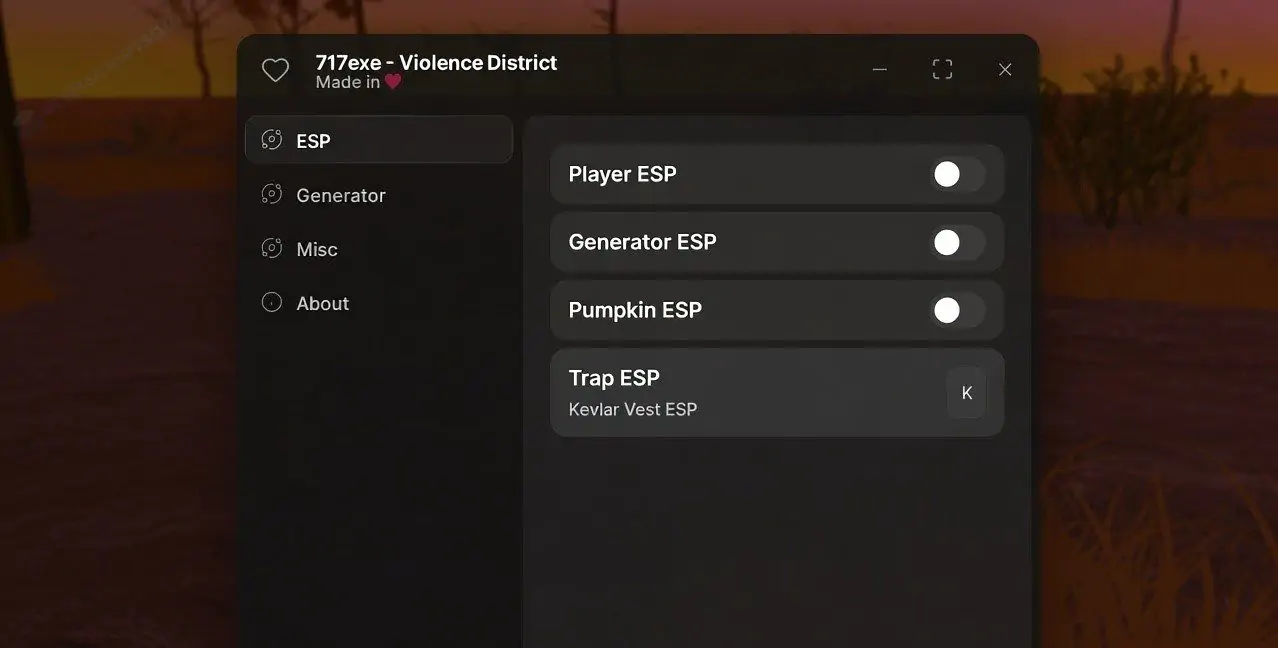
![Violence District Script Pastebin [No Key]](https://bloxscriptsdb.net/files/items/X5NIj86OC5FEdyv_1785198562.webp)
![VGXMOD HUB Violence District Best Script [No Key]](https://bloxscriptsdb.net/files/items/6YbBv9OiVeCILfV_1785198347.webp)
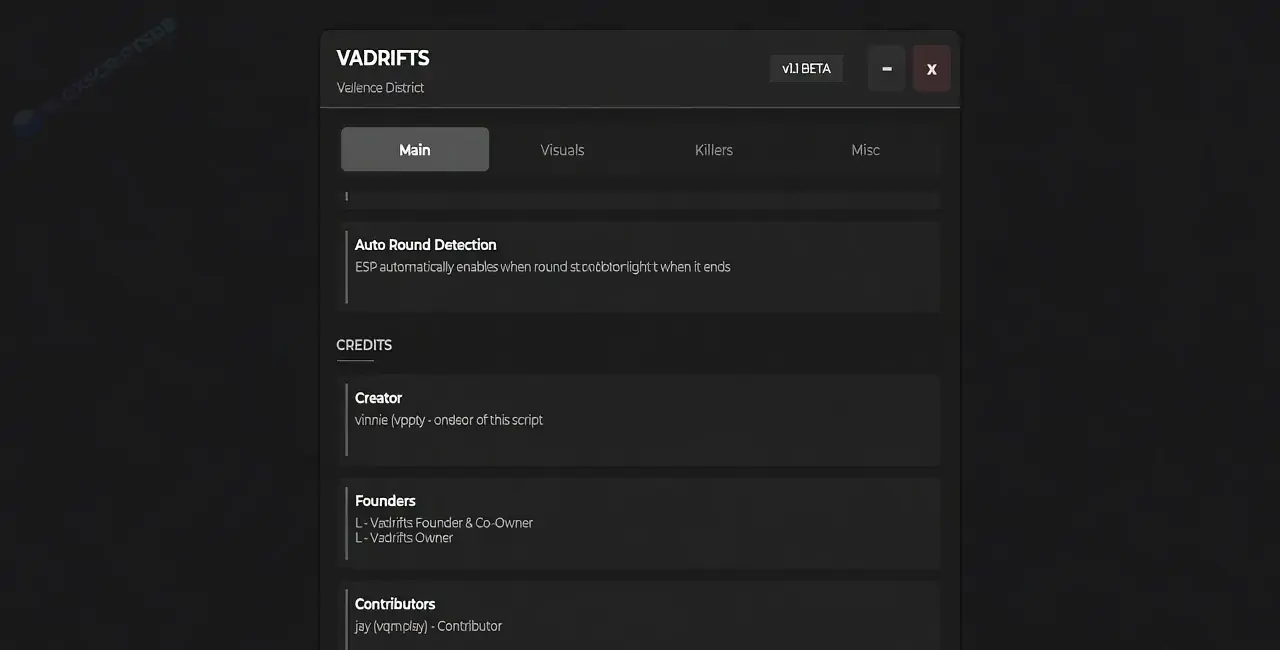
![DENOTING HUB Violence District Script [No key]](https://bloxscriptsdb.net/files/items/6iBn1UhGUkLawwz_1785197866.webp)
![Mpan HUB Violence District Script [No Key]](https://bloxscriptsdb.net/files/items/XtQm3dsqP4GEV8Q_1785197584.webp)
![REXTRBX HUB Violence District Script [No Key]](https://bloxscriptsdb.net/files/items/WDKO42vn02l2eyA_1785197327.webp)
![HENDAR HUB Violence District Script [No Key]](https://bloxscriptsdb.net/files/items/u3f42XfMUaRZ2Yt_1785196999.webp)
![HM HUB Violence District Script [No Key]](https://bloxscriptsdb.net/files/items/ofuRUAzY9larXnK_1785196738.webp)
![LYNX HUB Violence District Script [No Key]](https://bloxscriptsdb.net/files/items/oZoCKbNJDQmChwd_1785196488.webp)
Surviving in Violence District is not easy. Every match throws you into fast-paced PvP combat where quick reactions, better weapons, and smart movement decide who wins. Grinding for money, unlocking stronger gear, and fighting skilled players repeatedly can become frustrating, especially if you're trying to progress quickly.
Instead of doing everything manually, many Roblox players use a Violence District Script to automate combat and farming. The latest scripts include features like Auto Farm, Instant Kill, God Mode, Auto Win, Auto Battle, Auto Parry, Auto Generator, Auto Aim, Kill All, Kill Aura, ESP, and more. Many updated script hubs also provide No Key access, allowing you to execute the script instantly with a compatible Roblox executor.
Disclaimer: Using third-party Roblox scripts may violate Roblox's Terms of Service. This article is provided for educational purposes only. Use scripts at your own risk.
A Violence District Script is a Lua script that adds automation and gameplay enhancement features to the game. Instead of fighting every battle manually, the script can automatically attack enemies, eliminate targets, farm rewards, and assist with combat. Most updated scripts include a simple GUI that works on both PC and mobile Roblox executors.
Auto Farm continuously defeats enemies and farms in-game rewards automatically. It helps players earn money and progress much faster while reducing manual grinding.
Instant Kill quickly eliminates supported enemies with minimal effort. Depending on the script version, this feature can greatly speed up farming.
God Mode helps reduce incoming damage and improves survivability during combat. This allows players to stay alive longer while farming.
Auto Win automates combat objectives to help finish matches more efficiently whenever supported by the current script.
Auto Battle automatically attacks nearby enemies without requiring constant player input. It keeps combat active even during long farming sessions.
Auto Parry reacts to incoming attacks automatically, helping improve defense during PvP fights and reducing manual timing.
Auto Generator automatically interacts with supported generators or resource systems whenever available, reducing repetitive tasks.
Auto Aim helps keep attacks focused on nearby targets, making combat smoother and reducing missed hits.
Some script hubs include Kill All features that automatically target multiple enemies around the player for faster farming.
Kill Aura automatically attacks enemies that enter a certain range, allowing continuous combat without manually selecting targets.
ESP highlights players, enemies, or important objects around the map. This makes locating targets and navigating much easier.
Most Violence District scripts include a clean graphical interface where every feature can be enabled or disabled with a single click.
Some popular Violence District script hubs include:
Many of these hubs regularly receive updates and support both PC and mobile Roblox executors.
Grinding money and defeating enemies manually can take a long time. Automation handles many repetitive combat tasks for you.
Auto Farm and Auto Battle help players earn rewards, money, and upgrades much faster than manual gameplay.
Features like Auto Aim, Auto Parry, Kill Aura, and Instant Kill help reduce mistakes during intense battles.
Instead of fighting the same enemies repeatedly, players can automate farming while focusing on upgrading their character.
Most script hubs include beginner-friendly GUIs that work on both mobile and PC with only a few clicks.
Update both your Roblox executor and the latest version of the script before trying again.
Wait until the game finishes loading, then execute the script again.
Major game updates can temporarily break scripts. Wait for the developer to release an updated version.
Restart Roblox, close unnecessary background programs, and make sure your executor is fully updated.
Violence District Script is a Roblox Lua script that adds features like Auto Farm, Instant Kill, God Mode, Auto Win, Auto Battle, Auto Parry, Auto Generator, Auto Aim, Kill All, Kill Aura, ESP, and other gameplay improvements.
A Violence District Script No Key works without key verification. Simply execute the script using a supported Roblox executor and access its features immediately.
Yes. Most public Violence District scripts are available for free, although some private hubs may include additional premium features.
Yes. Many updated Violence District scripts support Android, iPhone, iPad, and Windows when used with a compatible Roblox executor.
Scripts often stop working after Roblox or game updates. Download the latest version and make sure your executor is fully updated.
No Roblox script is completely safe. Using third-party scripts may lead to temporary or permanent account restrictions.
Violence District is designed around fast PvP combat, but earning money, upgrading equipment, and defeating stronger enemies can become repetitive over time. Features like Auto Farm, Instant Kill, God Mode, Auto Win, Auto Battle, Auto Parry, Auto Generator, Auto Aim, Kill All, Kill Aura, and ESP help automate many of these tasks and make progression much faster.
If you decide to use a Violence District Script, always download the latest version from a trusted source, keep your Roblox executor updated, and remember that using third-party Roblox scripts is entirely at your own risk.
More Scripts: Spuddy's (Anomaly) Script | Shindo Life Script | Greedy Growers Script